
What's New

2025.05.12 - v1.7.0
NERvGear Core System / 1.7.0
- Add action 'Notification'
- Widget Menu: Add switches 'Visibility' and 'Limit Max Size'
- Action/Data: Add option 'Title'
- Script Value: Add example 'Async Data'
- Fix widgets being hidden when 'Show Desktop' on Windows 11 24H2
- Fix Hotkeys block the input of some games in Do Not Disturb mode
- Fix incorrect scaling of some widgets after restart
- Optimize memory usage
- Launcher
- Add support for custom wallpaper
- Fix cannot operate the launcher menu on ultra-wide monitors
- Preferences
- Add support for custom 'Task'
- Execute actions on startup
- Execute periodical actions
- Execute delayed actions
- General Settings
- Add option 'Max Frame Rate'
- Add option 'Open Files Using Compatible Execution'
- Input Settings: Add a switch to every single shortcut
- Add support for custom 'Task'
- Browser Engine
- Add support for mouse and keyboard navigation
- Fix auto-playing videos being muted
HUD Widget Extension / 1.7.0
- Add combination element 'Fuse'
- Add layer effect 'Mask'
- Add layer effect 'Mosaic'
- Add item and element interactive effect 'Mouse Track (Translate)'
- Add element option 'Visibility'
- Add support for item/element copy and paste
- Add support for third-party layer effects
- Add option 'SFX Feedback'
- Image Element: Add option 'Animated Image'
- Adjust some widget options
- WordArt Element
- Add option 'Gradient Fill/Stroke'
- Add margin options
- Add option 'Line Height'
- Add support for multi-line text
Web Widget Extension / 1.4.0
- RSS Feed Widget: Add support for Atom Feed #429
- 'Bilibili Animate RSS' Widget Preset: Update subscription URL #430
Mail Box Extension / 1.0.5
- Fix cannot send mail via GMail #213
Features
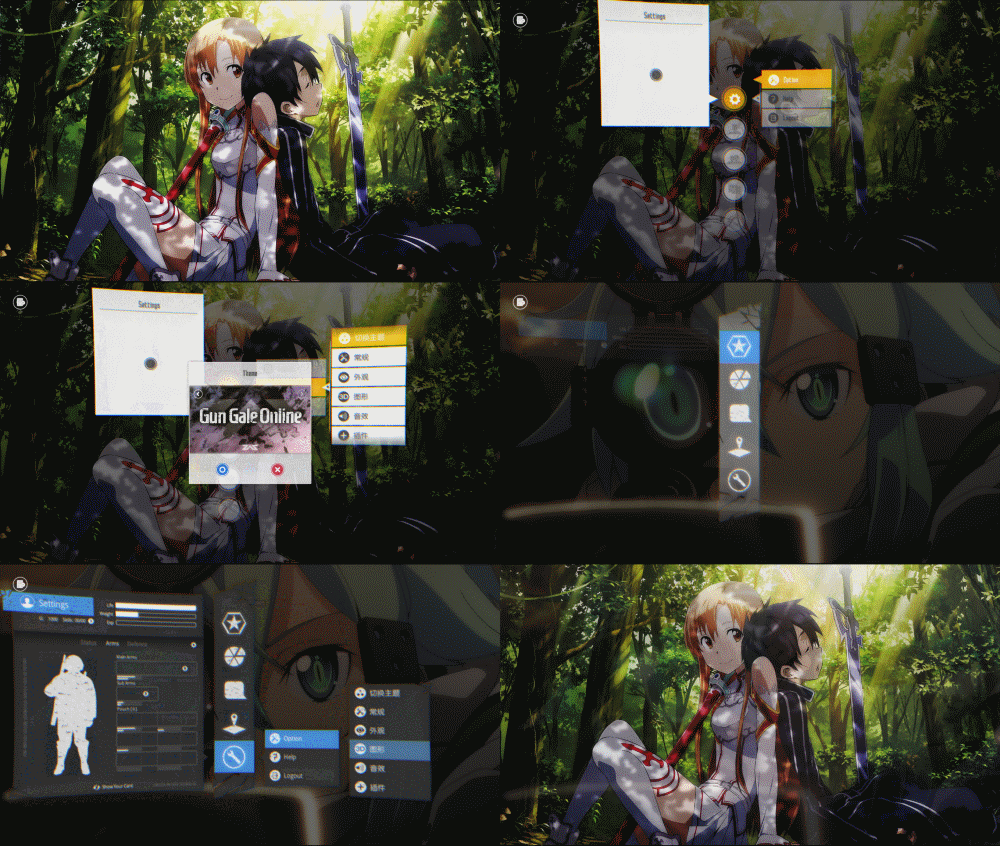
What is SAO Utils?
The SAO Utils program is a Sword Art Online Look'n'Feel launcher with varieties of powerful utilities.
Its pluggable architecture allows you, the developer, to add any kinds of plug-ins to the core program.
Highlights / Tutorial
Development
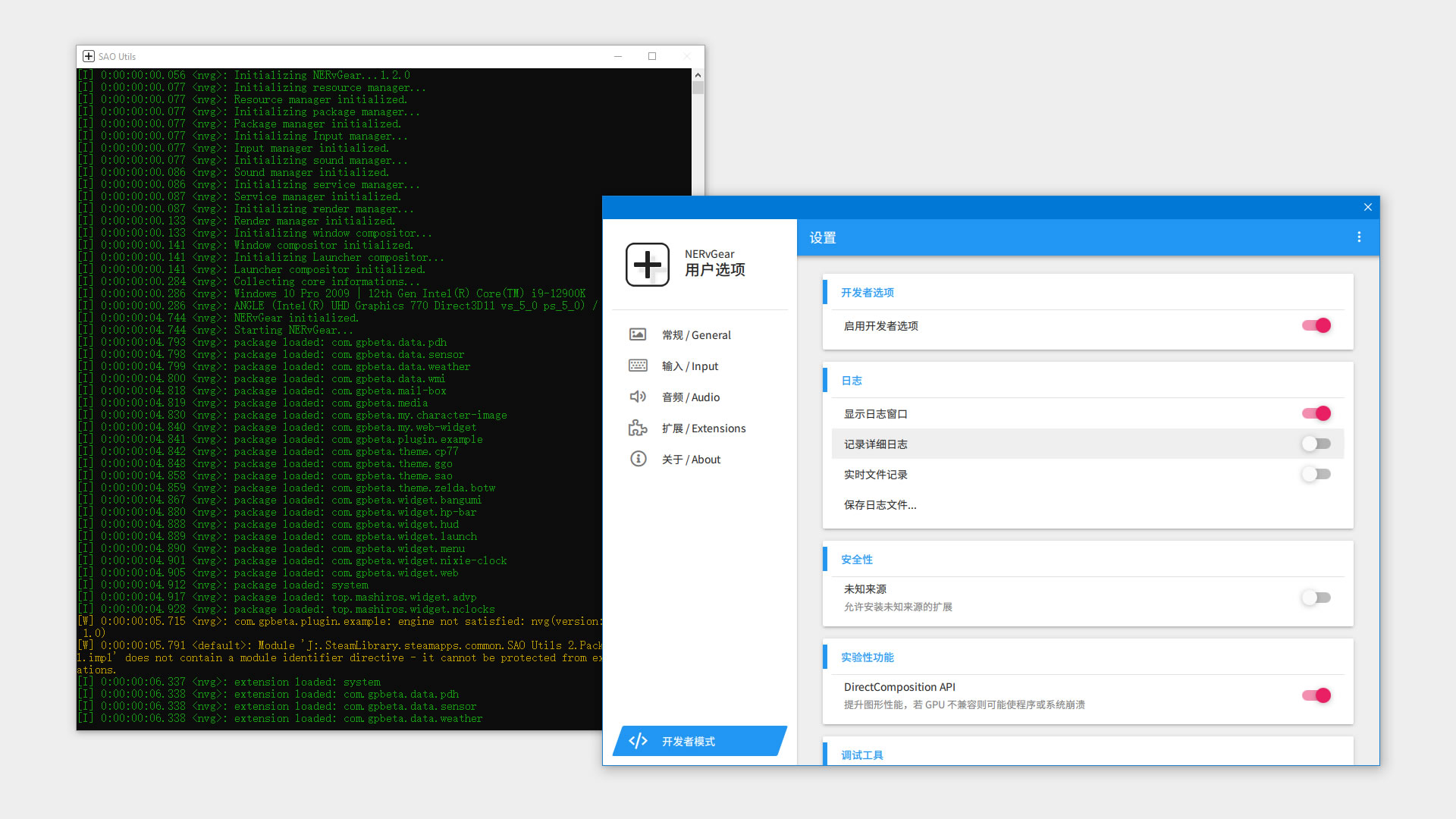
NERvSDK
SAO Utils 2 extends development with QML scripts to create Launcher Menu, Desktop Widget, Startup Animation, Data, Action and a variety of other new features. With QML Plugin, you can even inter-operate with C++ to implement underlying functionalities or use system API. More Details:
- Guide / API Reference: NERvSDK
- Developer Network / Repo: NERvDN
- Getting Started with QML: QmlBook
- Qt QML Documents: QML Applications
Resources
Extensions
| Name | Version | Link | ||
|---|---|---|---|---|
Usage
Click Preferences - Extensions - [+] and browse *.NVG extension package.
Themes
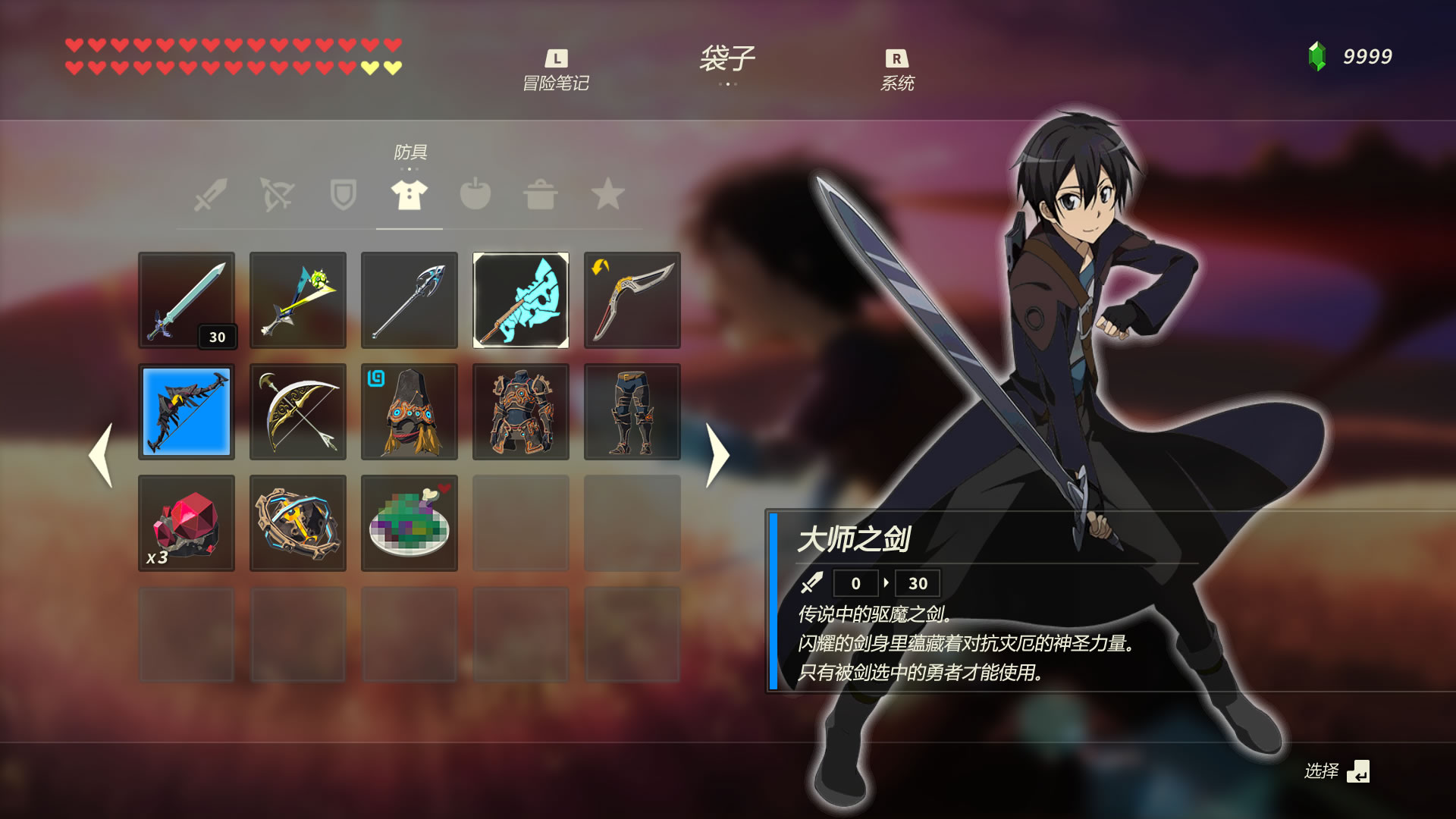
More
| Description | Link |
|---|
Online Chat (IRC)
FAQ
Q: Sometimes I can't use mouse gesture on desktop?
- When enabling NVIDIA GeForce Experience
In-Game Overlay, it always place a full-screen window on the desktop. This might confuse the system to think that the user is playing in full screen. - While SAO Utils has tried to make some fixes for this, NGE updates may invalidate these workarounds.
- When encountering similar problems, you can try to
disable In-Game Overlayordisable SAO Utils full-screen detection in "Do Not Disturb Mode".
Q: Desktop widgets displaying black background? Launcher flickering?
- This problem can be caused if you modified NVIDIA graphics driver's settings.
- It's required to turns off
Multi-Frame Sampled AA (MFAA)andAntialiasing - FXAAfor SAO Utils.
Q: What does the Lv. mean in HP-Bar?
- Your Steam profile level.